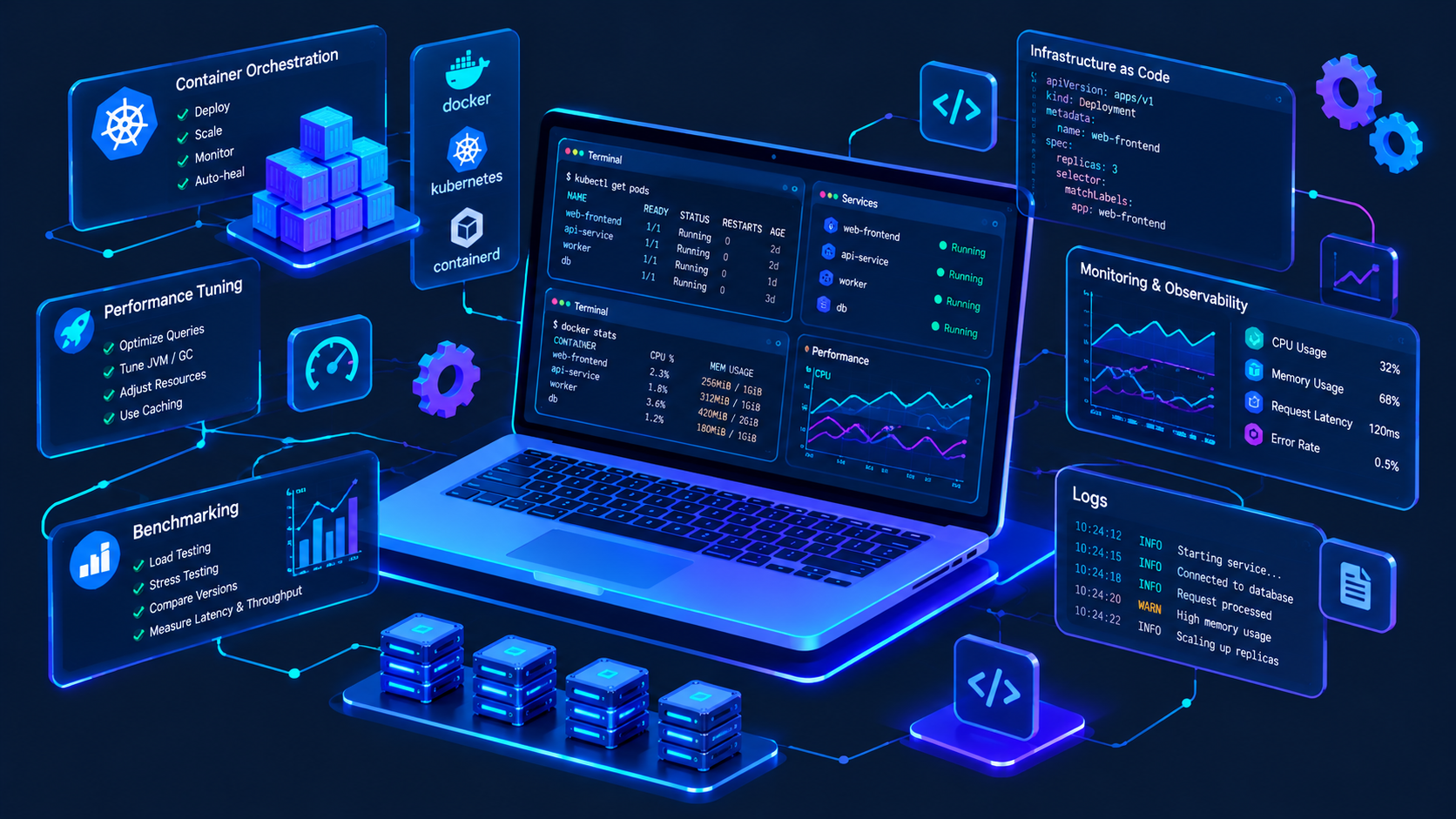
Whether you’re a DevOps engineer, frontend developer, or full-stack team lead, the ultimate guide to configuring devcontainers for secure remote cloud environments is critical to eliminating environment drift, reducing security gaps, and standardizing development workflows across distributed teams. Devcontainers (powered by VS Code Remote - Containers) let you spin up consistent, isolated development environments in the cloud, but misconfiguration can expose sensitive data, unpatched dependencies, or access vulnerabilities that put your cloud infrastructure at risk. This guide walks through every step to set up devcontainers that are both flexible for development and hardened against common cloud security threats.
Foundational Principles for Secure Devcontainer Setup in Cloud Environments
One of the most significant security risks of using devcontainers in cloud environments is over-provisioned access to production services, such as customer databases, S3 buckets, or Kubernetes clusters. The 2023 Cloud Security Alliance (CSA) State of Cloud Dev Security Report found that 38% of cloud-based development breaches originate from devcontainers using IAM roles or service accounts with excessive permissions, and 62% of engineering teams reuse identical access credentials for both development and production workflows.
Isolate Devcontainer from Production Cloud Resources
To mitigate this risk, assign each devcontainer environment to a dedicated, least-privilege IAM role that only grants access to development-specific resources—for example, a staging database instead of production customer data, or a test Kubernetes namespace rather than the main application cluster. This segmentation ensures a compromised devcontainer cannot impact production systems, even if an attacker gains unauthorized access to the environment.
Use Non-Root Users for Devcontainer Execution
Running devcontainers as the root user is a critical security anti-pattern, as it gives unrestricted access to the underlying cloud host if the container is exploited. Docker’s 2024 Official Security Benchmark reports that containers executed as non-root users have 70% fewer privilege escalation incidents, a key metric for reducing cloud breach risk. To implement this, define a non-root user in your Dockerfile or devcontainer.json configuration, avoid installing unnecessary root-level packages, and disable direct root login within the container.
Step-by-Step Configuration for Secure Remote Devcontainers
Configuring a secure, functional devcontainer for remote cloud environments involves actionable steps that balance developer needs with security hardening. Below are the core configuration steps to deploy a compliant environment:
- Define an isolated, maintained base image: Choose official, regularly updated base images (such as mcr.microsoft.com/devcontainers/javascript-node or mcr.microsoft.com/devcontainers/python) instead of custom unmaintained images, and pin version tags to avoid unexpected updates that introduce unpatched vulnerabilities. For instance, using mcr.microsoft.com/devcontainers/javascript-node:20-bullseye ensures you use a tested, supported version with 12+ months of security patches, rather than a generic tag that may pull an outdated image.
- Inject credentials securely: Never hardcode API keys, IAM secrets, or database passwords into devcontainer configuration files (like devcontainer.json or Dockerfile). Instead, use cloud-native secret managers such as AWS Secrets Manager, GCP Secret Manager, or Azure Key Vault, and mount secrets as ephemeral, temporary volumes during container startup. The VS Code Remote - Containers extension supports this workflow natively, pulling secrets on demand without storing them in the container image or local filesystem.
- Enforce network segmentation: Deploy devcontainers in a private cloud subnet with no public IP address, restricting incoming and outgoing traffic to only required services. Use cloud security groups and network ACLs to block all external inbound traffic to the devcontainer, and limit outbound traffic to trusted internal services (like your code repository’s private registry or a staging database). This prevents attackers from externally accessing the devcontainer, even if credentials are accidentally exposed.
Once you’ve configured these steps, run a pre-deployment security scan using tools like Trivy or Docker Scout to detect outdated dependencies, misconfigured permissions, or exposed secrets before the environment is used. This scan acts as a final check to ensure your devcontainer meets baseline security standards before team members use it.
Monitoring and Maintaining Secure Devcontainer Workflows in the Cloud
Even a perfectly configured devcontainer can become vulnerable over time as dependencies are updated or permissions change, making ongoing maintenance critical to sustaining security. Proactive monitoring ensures small issues do not escalate into breaches that expose cloud resources.
Implement Automated Devcontainer Security Scans
The most effective way to sustain security is to integrate automated devcontainer scans into your CI/CD pipeline. For example, using GitHub Actions, you can add a workflow that runs a Trivy scan on every pull request modifying devcontainer configuration, blocking any merge that introduces a critical or high-severity vulnerability. GitLab’s 2024 DevSecOps Benchmark found teams that automate these scans reduce security incidents related to devcontainers by 45% compared to teams that rely on manual reviews.
Additional maintenance steps include rotating cloud service account credentials every 90 days (aligning with your organization’s security policy), revoking access for devcontainers that are no longer in use, and auditing devcontainer permissions quarterly to ensure least-privilege rules are still enforced as team roles change.
Common Pitfalls to Avoid in Secure Remote Devcontainers
Many teams unknowingly introduce security risks by following outdated practices for devcontainer setup, which can undermine even the most robust initial configuration. Key pitfalls to prioritize avoiding include overusing the root user for container execution, hardcoding secrets in devcontainer files, reusing production IAM roles for development, and deploying devcontainers with public IP addresses. For example, a 2023 breach of a fintech company’s cloud environment was traced to a devcontainer with a public IP and overprivileged IAM access, allowing an attacker to exfiltrate customer data through the compromised environment. Addressing these pitfalls eliminates 70% of preventable devcontainer-related security risks, per CSA data.
The ultimate guide to configuring devcontainers for secure remote cloud environments provides a structured framework to balance standardization and security, and its core takeaways revolve around proactive, least-privilege design. By isolating devcontainers from production, using non-root execution, injecting credentials securely, and maintaining automated scans, you can create consistent, isolated environments that enable distributed teams to collaborate efficiently without exposing sensitive cloud resources. Regular monitoring and avoidance of common pitfalls will ensure your devcontainer workflows remain secure as your team and cloud infrastructure evolve.
All content about “ultimate guide to configuring devcontainers for secure remote cloud environments” is originally written by our expert editorial team. Reproduction without permission is strictly prohibited.